
How to stop blinking in photos
Why you always seem to blink in photos, what photographers do about it, and how to fix a blink in a photo you already have.

Some people blink in almost every photo. It isn't bad luck. A blink lasts about a tenth of a second, most people blink 15 to 20 times a minute, and the moment someone says "ready?" is exactly when your eyes start to feel dry and tense. The odds add up fast, and in a group of ten they are almost certain.
Here is what actually helps, from the moment before the shot to the photo you already have.
Why you blink right when the photo is taken
- Waiting. Holding your eyes open while someone fiddles with the camera makes them dry, and dry eyes blink.
- The flash. Many phones fire a short pre-flash to measure the light. Your eyes react to it just in time to be closed for the real one.
- Bright light. Facing the sun makes you squint and blink far more often.
- Anticipation. Knowing a blink would ruin it makes you think about blinking, and that makes it more likely.
How to stop blinking at the shutter
- Close your eyes, then open them on "three". The person taking the photo counts; you open your eyes on three and the photo is taken right away. Your eyes are fresh, and the blink you would have had already happened.
- Take a burst. Hold the shutter button or take three or four photos in a row. With a blink of a tenth of a second, at least one frame almost always has open eyes.
- Look just above the lens until the last second. Then look into it as the photo is taken. Staring at the lens the whole time makes your eyes water.
- Turn the flash off when you can. Daylight from a window, or the phone's night mode, avoids the pre-flash.
- Put the sun to your side. Light from the side flatters your face anyway, and you won't squint into it.
- Keep Live Photos on. On iPhone, a Live Photo keeps about a second and a half around the shot, so you can pick a frame with your eyes open later.
In group photos
The more people, the more blinks. Photographers use the "eyes closed, open on three" trick with groups for exactly this reason, and they take five or more frames, not one. If the group photo is already taken and you're the one who blinked, you can fix closed eyes in a group photo without changing anyone else.
When the blink already happened
If none of the frames has your eyes open, a retouch can open them in the photo you have. A good retouch keeps your eye shape and color, matches the expression you had (laughing eyes are a little narrowed), and leaves the rest of the photo alone.
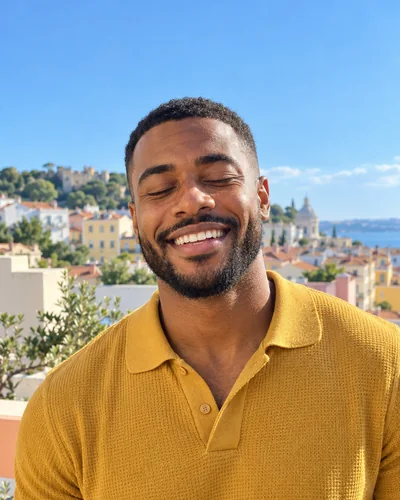 Before
 After
AfterIf your eyes end up half open rather than closed, see why your eyes look half closed in photos. Our guide to fixing closed eyes in a photo compares every option, from free ones to Photoshop.
The short version
Close your eyes and open them on three, take a burst, skip the flash, and keep Live Photos on. If the best photo still caught you mid-blink, fix the blink and keep the moment.
Fix this in a photo
- Fix closed eyes in a group photoBlinked in the group photo where everyone else looks great? Open your own eyes in that photo. Everyone else, and everything around you, stays exactly as it was.
Keep reading
- How to brighten a dark photo of your faceYour face is in shadow but the photo is otherwise good? Free ways to brighten it on iPhone, why it often looks worse, and how to fix the light itself.
- How to fix a photo without changing your faceMany AI photo editors redraw the whole photo, and your face drifts with it. Here's how to tell a tool that fixes one thing from one that regenerates everything.
- How to fix eyes not looking at the camera in a photoLooked at the screen, at a friend or just past the lens? Why it happens, how to avoid it, and how to fix where your eyes look in a photo you already have.